Night owls: setting up your charger for Night Charge
9 min read By Joel Vandal
How Night Charge (11 pm to 4 am) works, how to enrol and how to set up your charger in the app and on the website, with four ready-made recipes.
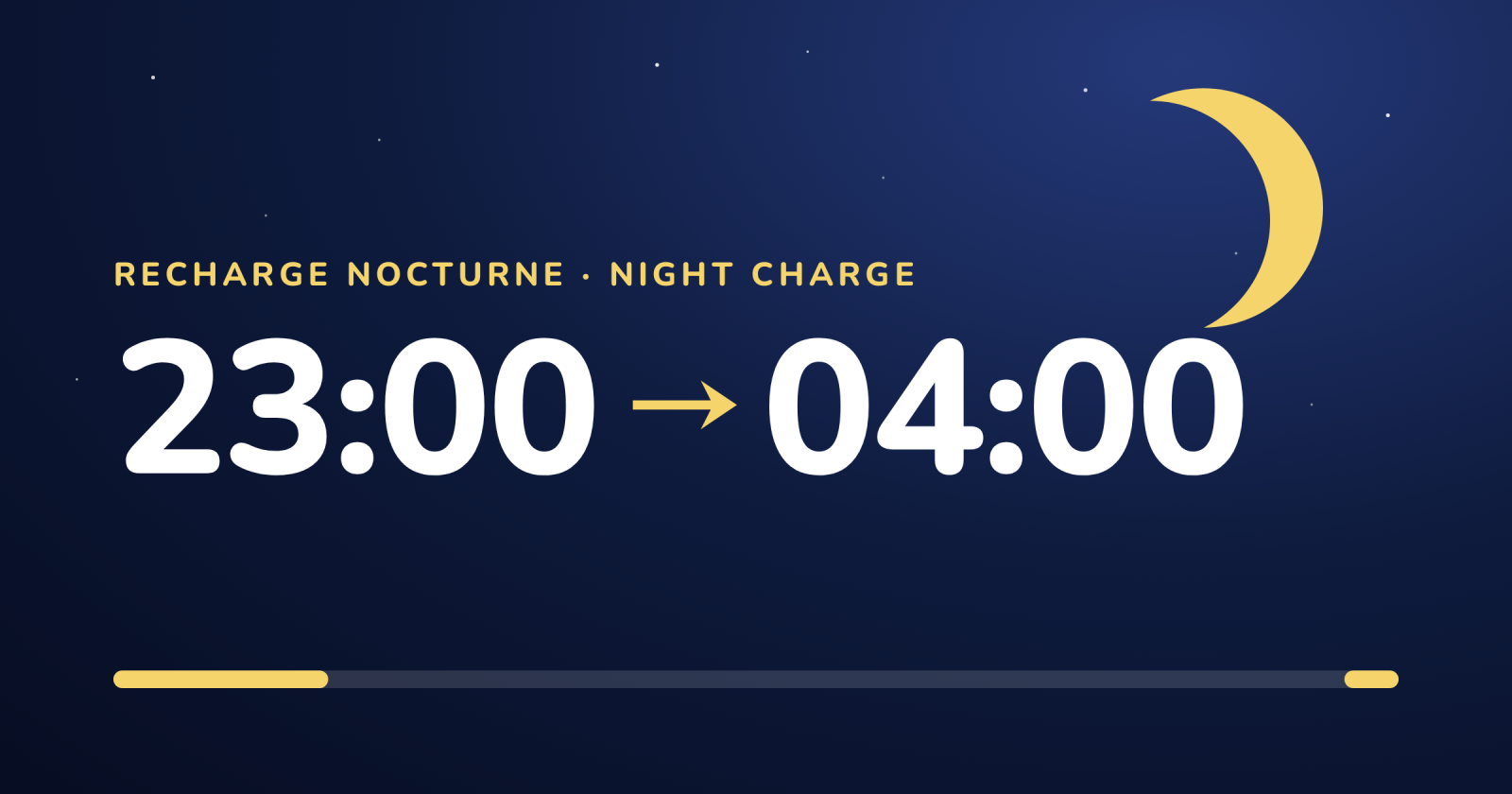
Do you charge your vehicle at night? The Night Charge program (the Club's "night owls") rewards charging done between 11 pm and 4 am. Here is how it works and, above all, how to set up your charger to get the most out of it, with no unpleasant surprises.
This guide follows the order you will go through: the program in brief, enrollment, the charger settings (in the app and on the website), then four ready-made recipes depending on how you charge.
In a nutshell
Charge between 11 pm and 4 am: your usual rate, plus a $0.03 per kWh bonus paid separately. Outside the window, 50% of that total, in Points.
Set up your charger in the "Settings" tab, "Charging schedule" section: the window, "Respect the schedule when plugging in" and "At the end of the window".
Need energy right now? Tap "Charge anyway".
The program in brief
The window: 11 pm to 4 am, every day (Eastern time, as in Montréal).
Inside the window: your usual rate, plus a bonus of $0.03 per kWh. Your usual rate stays in Points; the bonus is the program's share, paid periodically when the program provides for it.
Outside the window: 50% of that total (your usual rate + $0.03), all in Points. Depending on your usual rate, this can be less than what you earned without the program: the more of your charging happens at night, the better the program is for you.
Points: as an indication, one Point is worth $0.01 at the time of conversion. It is not money acquired in advance: Points are subject to the program's conditions.
Who can enroll: chargers located in Québec.
The commitment: until March 31, 2027. You do have 7 days after enrolling to change your mind: you then unenroll as if you had never enrolled, and every charge on that charger is counted at the usual rate.
The bonus is not in Points: it is the program's share, paid separately and periodically. The "What it gives you" step reminds you of this. Bonus payouts are not open yet: the Club will announce them.
Enrolling in three steps
When the program is offered, a "New program" window opens when you sign in. You can also activate it later from the page of each eligible charger (the "Time-of-day program" card). Enrolment takes three steps:
"Are you interested?": you see the program window over 24 hours.
"What it gives you": an estimate based on your actual charging over the last 30 days, with a "Share of my charging at night" slider to compare your usual rate with the program. It even shows the share of night charging from which the program becomes better for you.
"If you activate this program": the calendar, the conditions, the "I have read and understand these conditions" box, then "Enroll me now".
You will also find the box "Also set my charger's schedule to the favourable window (11 p.m. to 4 a.m.), every day". When ticked, the Club sets an 11 pm to 4 am schedule on the charger for you (a schedule you already had is never replaced) and, if your charger allows it, turns on "Respect the schedule when plugging in".
You can edit the schedule or turn this setting off at any time. Some chargers (Tesla without remote-control authorization, for example, see below) cannot be controlled: their charges then happen when you start them.
Where the charger settings are
In the app and on the website alike: open your charger's page, then the "Settings" tab. The "Charging schedule" section holds everything we discuss here.
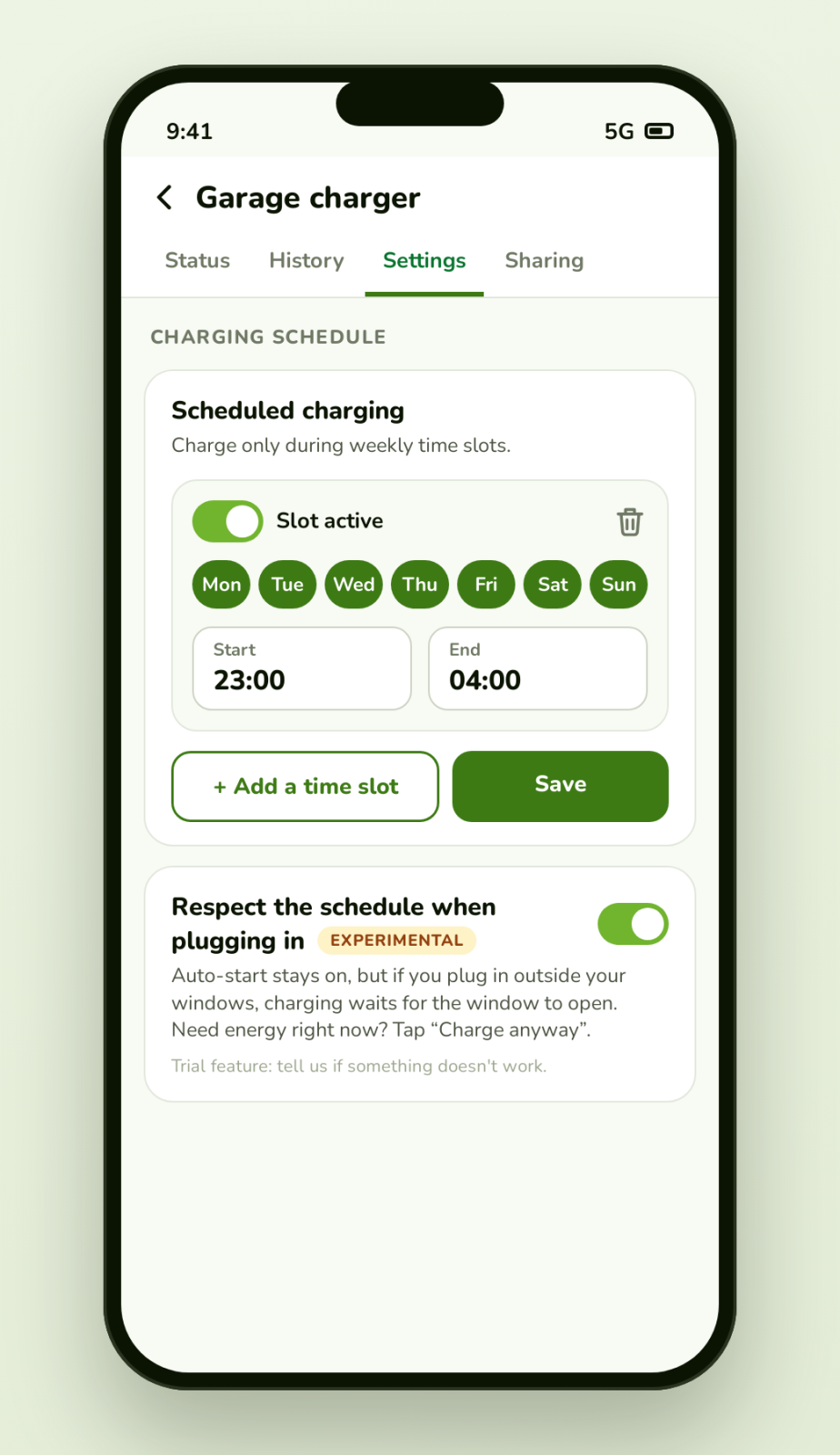
1. The time window
Pick the days, the Start time and the End time (23:00 to 04:00 to target the program window), then save. The Club then starts charging when the window opens.
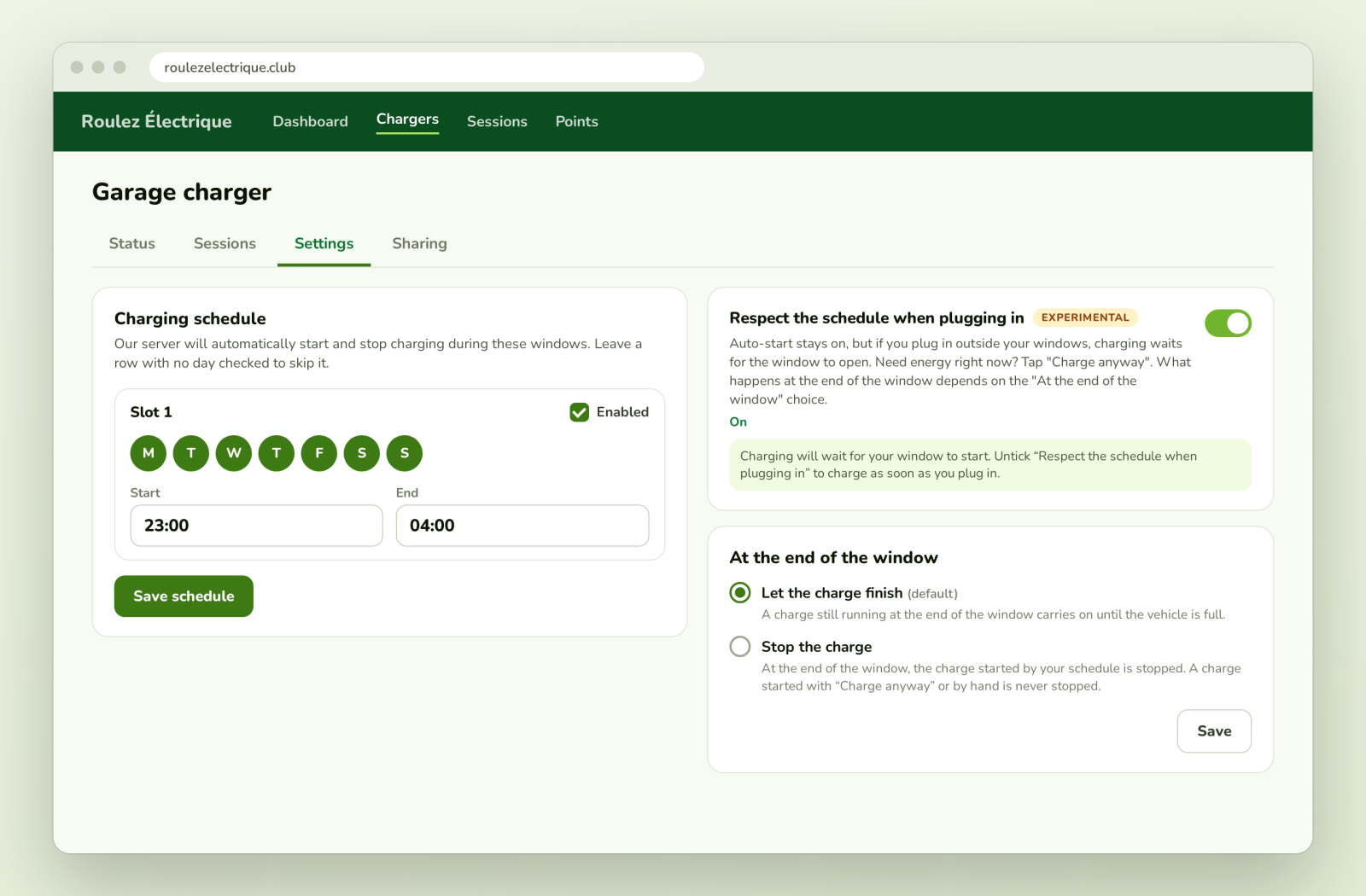
2. "Respect the schedule when plugging in"
When you plug in before 11 pm, charging waits for the window to open instead of starting right away. This option is turned on automatically when you activate a schedule (if your charger already had one, you were notified in the app). You can untick it: your choice is then respected and it does not turn itself back on. It still carries the "EXPERIMENTAL" tag: if something does not work, tell us.
Where it works: chargers connected directly to the Club (for example EVduty and Autel, that is, without going through the manufacturer's app; your charger's page shows whether the option is offered) and Wallbox chargers whose schedule is managed by the Club (the "The Club" choice under "Charging schedule managed by"). On Wallbox, charging may start briefly, then be paused one to two minutes later and resume at 11 pm.
Where it is not turned on automatically: Sigenergy chargers (remote stop is not yet reliable) and Autel chargers set to start by themselves at every plug-in.
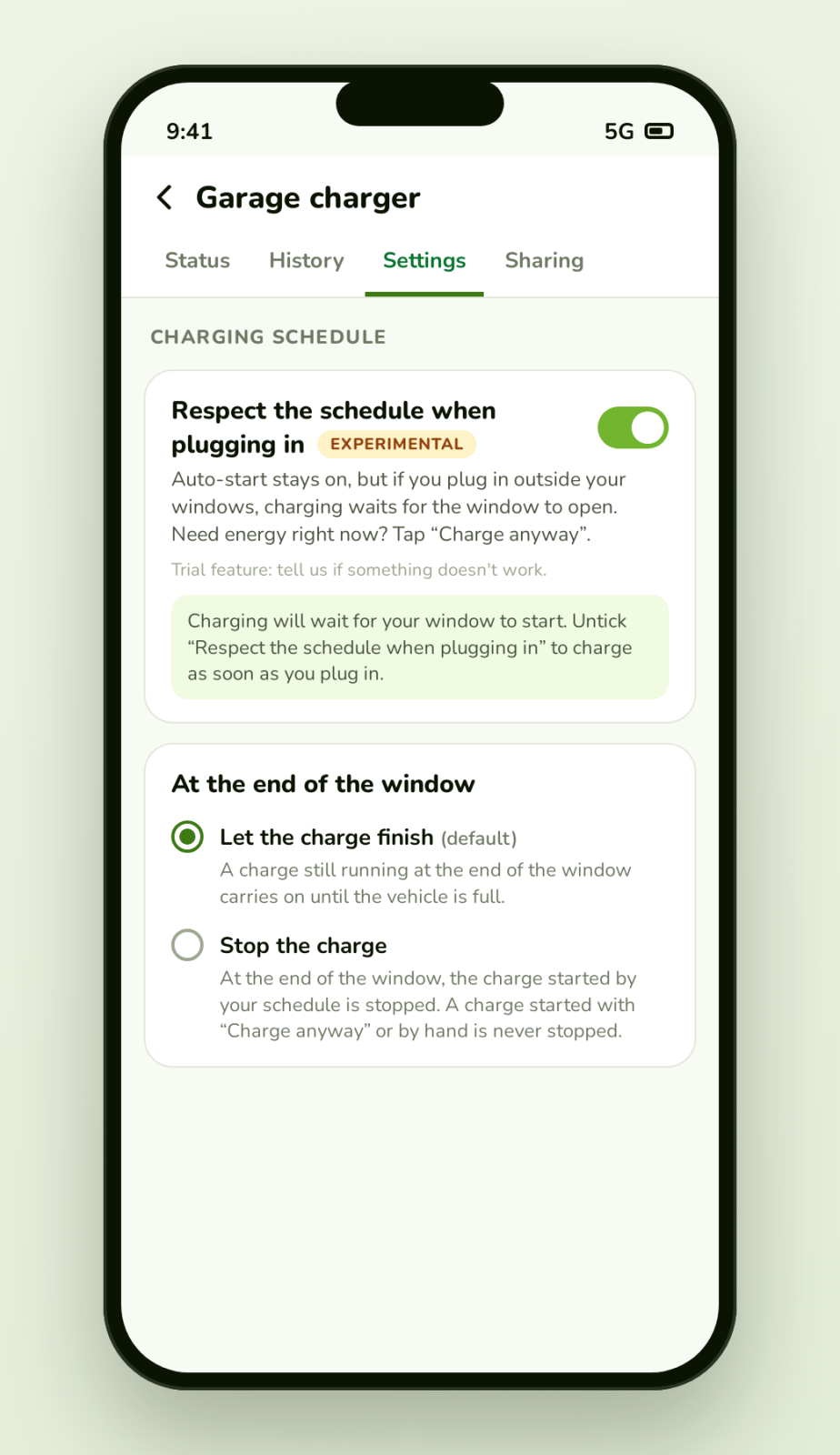
3. "At the end of the window"
At 4 am, what should the charger do if charging is still running?
"Let the charge finish" (default): charging carries on until the vehicle is full.
"Stop the charge": the charge started by your schedule is stopped at 4 am. A charge started with "Charge anyway" or by hand is never stopped.
If your charger was already stopping charging at the end of the window before this choice existed, that behaviour was kept. This choice is not offered on Sigenergy chargers.
4. "Auto-start" ("Automatic start" in the app)
On a charger connected directly to the Club, "Auto-start" begins charging as soon as you plug in. Without the "Respect the schedule when plugging in" option, it takes priority over your schedule: the charger then charges at any hour and the schedule has no effect. With the option ticked, it stays on but charging waits for the window to open. Depending on the charger, the program may also turn "Auto-start" off when it sets its schedule; it is restored if you leave the program, unless you changed it yourself.
Four recipes depending on how you charge
"I only want to charge between 11 pm and 4 am"
Schedule: 23:00 to 04:00, every day.
"Respect the schedule when plugging in": on.
"At the end of the window": "Stop the charge".
Result: if you plug in at 6 pm, charging waits until 11 pm; it stops at 4 am, even if the battery is not full.
"I want to start at 11 pm and keep going until the battery is full"
Schedule: 23:00 to 04:00, every day.
"Respect the schedule when plugging in": on.
"At the end of the window": "Let the charge finish" (the default).
Result: charging starts at 11 pm and continues until the vehicle is full. Good to know: the energy received after 4 am is counted at the outside-the-window rate (50% of your usual rate + $0.03, in Points). Only the night part gets the full program rate, bonus included.
"I want it to charge as soon as I plug in, at any time"
Untick "Respect the schedule when plugging in".
On a charger connected directly to the Club, leave "Auto-start" on.
Result: the charger charges as soon as you plug in, at any hour, and the schedule has no effect. For Points, everything received between 11 pm and 4 am gets the program rate; everything else is counted at 50% of the total. If you mostly charge during the day, compare using the slider in the enrollment window before committing.
"Tonight I need to charge right now"
No setting to change. Your vehicle is plugged in and charging is waiting for 11 pm? On the charger's card, tap "Charge anyway". Charging starts and continues until you unplug; it is never stopped at 4 am. The next time you plug in, the schedule applies again. The kWh received outside the window are counted at the outside-the-window rate.
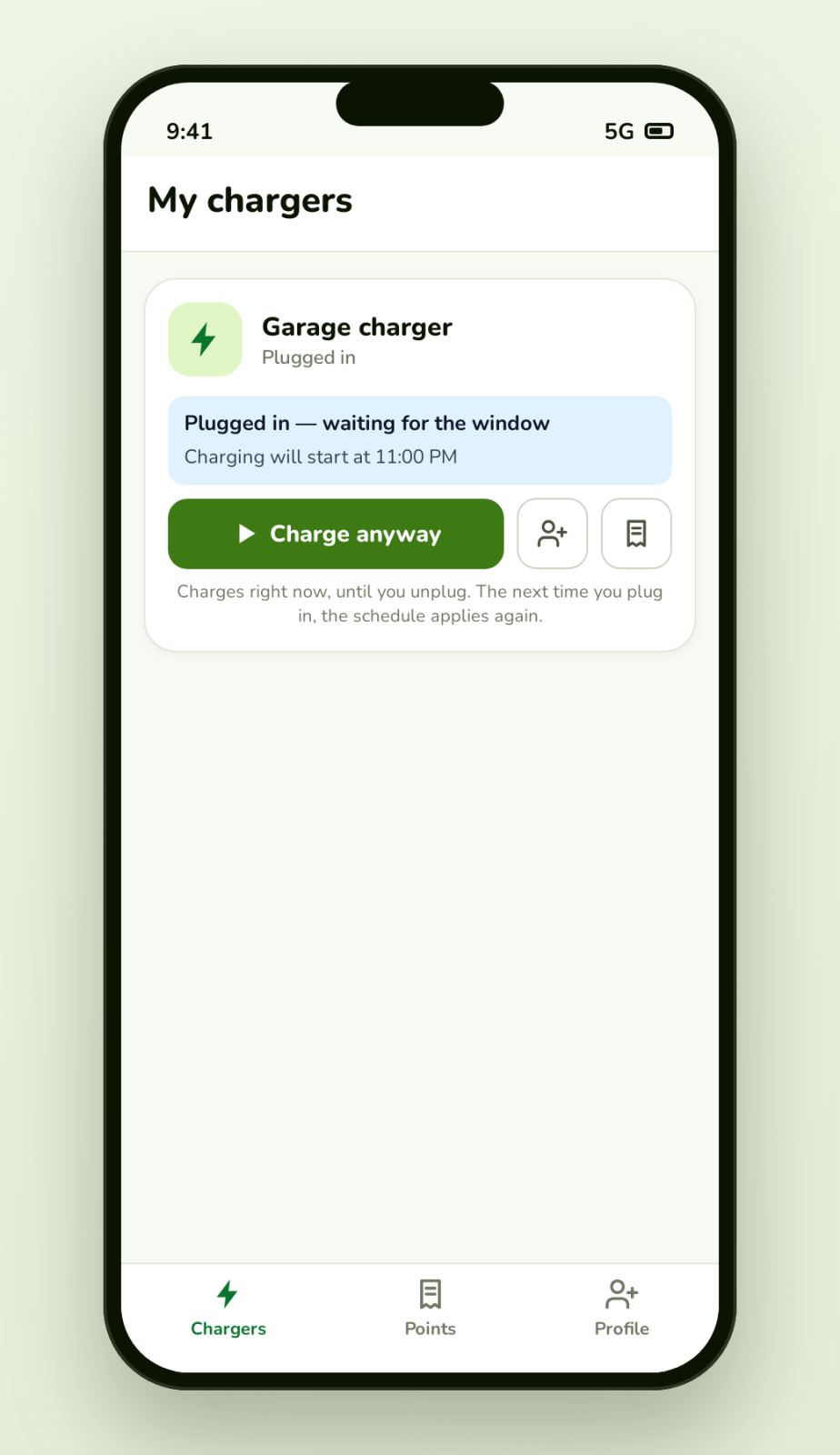
While it waits, the charger's card shows "Plugged in — waiting for the window" and the time charging will begin.
Seeing your charges at the program rate
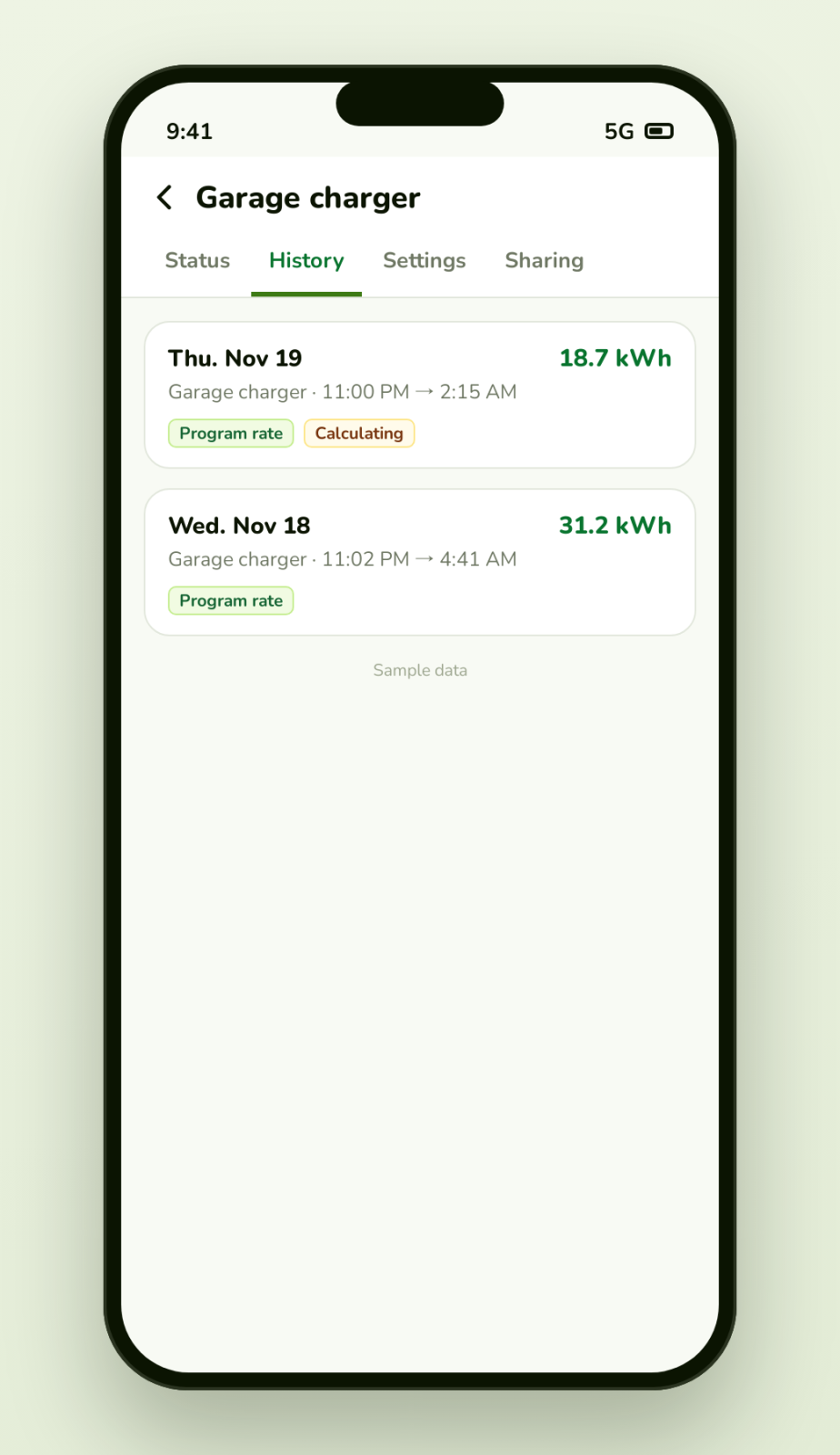
In the history, a charge counted at the program rate carries the "Program rate" tag. For some charges (notably those of chargers linked through the manufacturer's account), the night/day split is finalized after a few hours: the "Calculating" tag means the amount shown is provisional. It firms up by itself.
What is not (yet) possible
Sigenergy: the charger cannot yet be stopped remotely in a reliable way; "Respect the schedule when plugging in" is therefore not turned on automatically and the "At the end of the window" choice is not offered.
Tesla (Wall Connector): the Club can start and stop the charger only if you have authorized "remote control" by linking your Tesla account (most accounts have not done so yet); the "Respect the schedule when plugging in" option does not exist for Tesla.
IYILO: the "Respect the schedule when plugging in" option exists, but it is not turned on automatically.
EVduty in "Data collection" mode: the Club cannot control the charger (schedules, start, stop). We do not change this mode for you.
Autel chargers that start by themselves at plug-in: charging begins as soon as you plug in; the Club does not hold them automatically.
Frequently asked questions
My car also has its own charging schedule. Can I combine both?
The simplest is not to combine them: let the vehicle charge as soon as it is plugged in and let the charger manage the schedule. Note that if the charger's "Auto-start" is off, the charger waits for you to press "Start"; a charge scheduled in your vehicle (Bluelink, Tesla, etc.) therefore cannot start by itself.
My charger shows "Finishing". Is that normal?
Yes: "Finishing" means the vehicle has already charged and stays plugged in. If that charge ended before the window opened (for example, stopped in the evening) and "Respect the schedule when plugging in" is on, a charger connected directly to the Club (for example EVduty or Autel) restarts charging at 11 pm: a single restart per window (up to three attempts if the charger refuses the command).
What about after a power outage?
For an EVduty charger, the "Fallback mode (power/communication loss)" setting, in the "Advanced" card of the "Settings" tab, decides what happens next. If you use a charging schedule, choose "A remote start is required after an outage": otherwise the charger starts charging as soon as it restarts, regardless of the schedule.
Can I leave the program?
During the 7 days after enrollment, yes, freely (the "Unenroll" button). After that, the "Leave the program" button becomes available at the end of the commitment, on March 31, 2027. The schedule set by the program stays in place: it becomes an ordinary setting of your charger, which you can edit.
A question, or unsure about a setting? Write to us: we will help you set up your charger for the night window.